
The QR Menu Everyone Hates: How to Do It Properly
You scan a small black and white square on the table and wait for a menu to load. Nothing happens, or the page is too small to read, and you feel annoyed before you’ve even ordered a drink.
This is the reaction many restaurants now cause without even realising it.
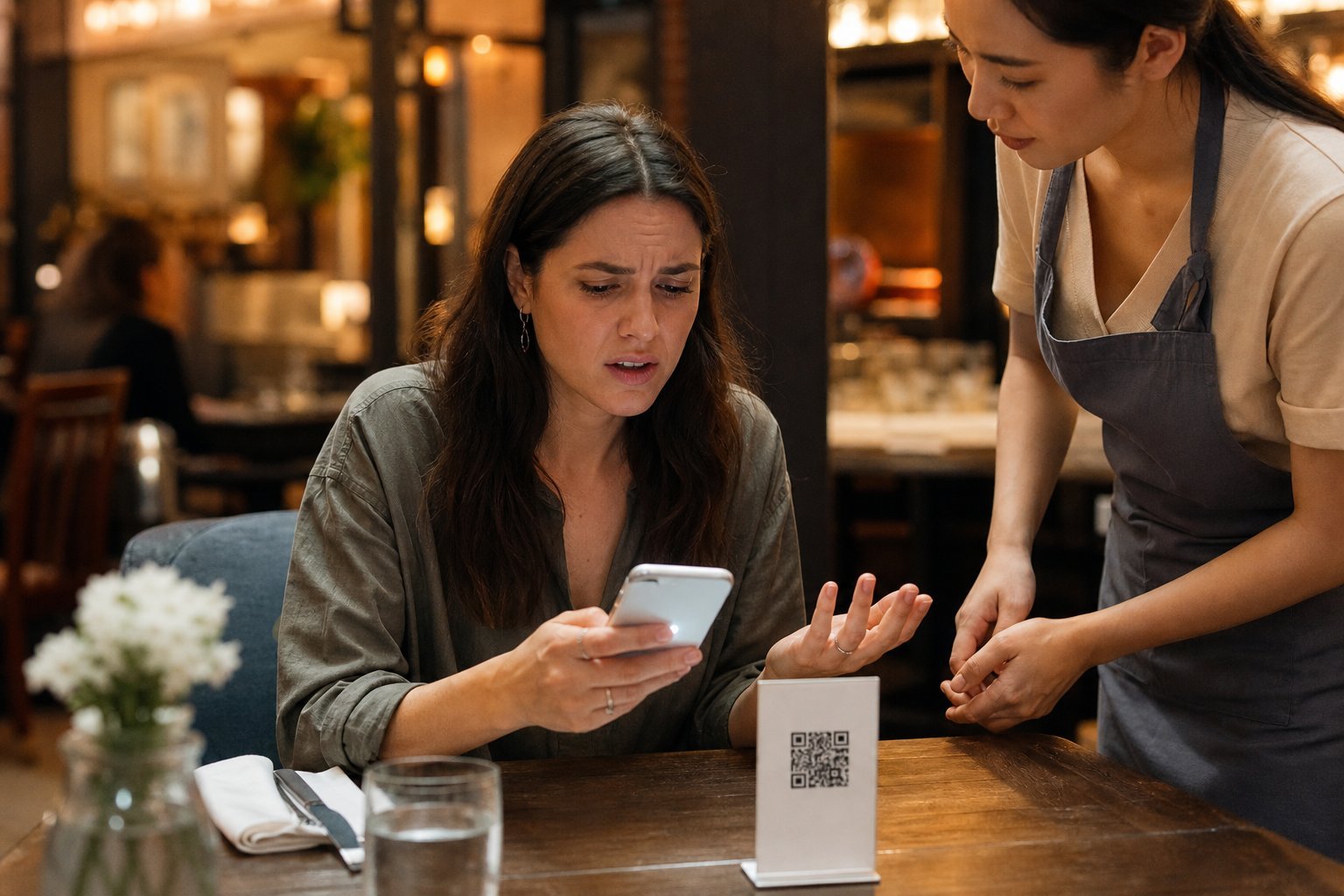
QR code menus fail when they make the guest do more work than a paper menu ever did. That’s the main reason so many diners complain about them.
The problem usually isn’t the QR code itself. It’s slow loading pages, tiny text, clunky navigation, and a total lack of a printed backup for people who just want paper. Fixing this doesn’t mean ditching digital menus. It means building QR menus properly so they actually help the dining experience instead of getting in the way.
Good hospitality is about removing friction, not adding it. Why do QR-only menus frustrate guests so much? What’s actually breaking the experience, and how can you design a mobile menu system that respects your guests’ time, choice, and comfort?
For more on digital menus and smarter hospitality tech, you might want to check out www.awolapp.com too.
Key Takeaways
Digital menus often frustrate guests when they’re slow, hard to read, or offered without any alternative.
A well-designed mobile menu should be simple to use and shouldn’t replace human service or guest choice.
Choosing the right platform and prioritising accessibility can turn a QR menu from an annoyance into a genuine convenience.
Why Diners Reject QR-Only Menus
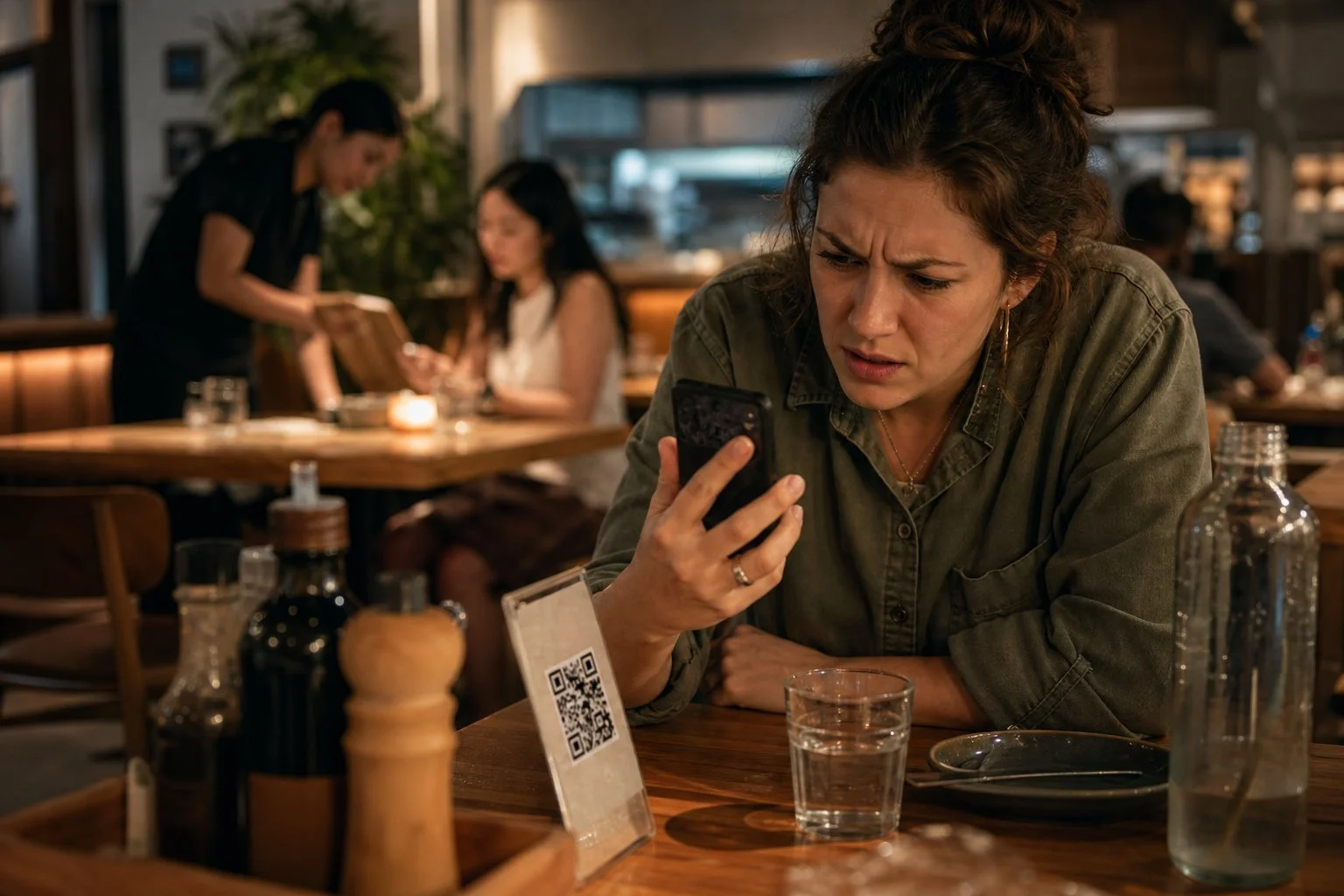
QR menus became common during the covid-19 pandemic. Many of the reasons customers accepted them then just don’t apply anymore.
When you look at the actual complaints, three problems come up again and again: phones at the table, access barriers, and a sense that service has been cut back.
Phones at the Table Disrupt Social Dining
When you ask guests to scan a code to see the menu, you’re basically telling them to pull out their phones the moment they sit down. Most people want a break from screens when they go out to eat.
Once a phone is out for the menu, it often stays out. You might check a message, reply to a notification, or just scroll while waiting for your order.
This shifts the whole tone of the meal. A study cited in discussions of QR code menu problems shows that diners connect physical menus with a more social, relaxed setting.
Passing round a paper menu invites conversation. Passing round a phone just doesn’t.
Digital-Only Access Excludes Some Guests
Not every guest has a smartphone, a strong signal, or the eyesight to read a small screen comfortably. When a QR code is the only option, you risk shutting out a portion of your customers before they’ve even ordered.
This affects older customers in particular. Many find QR menus harder to navigate than a printed page, and some avoid restaurants that rely on them entirely.
Research referenced by Sheva Food shows 88% of diners still prefer paper menus when given the choice. Other barriers matter too:
Weak Wi-Fi or mobile signal inside the restaurant
Roaming charges for travellers abroad
Older phone models that struggle to load PDF menus
Vision impairments that make small text hard to read
Self-Service Can Feel Like Reduced Hospitality
A menu handed to you by a member of staff feels different to one you have to find yourself. Some guests read a QR-only setup as a sign that the restaurant is cutting corners.
Hospitality is built on small gestures. Removing one of the most basic ones—physically presenting a menu—can make service feel more distant.
Discussions of this shift, including one from MenuClips on why customers reject slow digital menus, point to the same pattern. Diners don’t mind digital menus existing, but they mind when digital menus replace a normal part of the customer experience with nothing in return.
The Friction Points That Make a Menu Feel Broken
A few small problems cause most of the frustration with QR codes at the table. Poor file formats, weak connections, and unnecessary app downloads all get in the way before your customer has even seen a starter.
PDF Files Designed for Paper, Not Mobile Screens
Many QR codes still link straight to a PDF menu. These files were built for printed menus, not smartphones, so the layout rarely fits a small screen properly.
Your customer has to pinch, zoom, and scroll sideways just to read a single dish. This is slow and annoying, especially in a dim restaurant or with a shaky signal.
A PDF also loads as one large file. On a weak connection, this can take far longer than a proper mobile page. QR menu adoption often stays low when this kind of friction is present.
Common PDF menu problems include:
Tiny text that needs constant zooming
Fixed layouts that don’t adjust to screen size
No search function, so finding one dish means scrolling through pages
Large file sizes that load slowly on mobile data
Slow Loading, Weak Wi-Fi and Dead Batteries
Restaurant Wi-Fi is often patchy. Basements or busy dining rooms make this worse.
If your customer’s phone switches to mobile data, loading can slow down even further. A menu that takes more than a few seconds to load just feels broken, even if the food and service are excellent.
Friction like this has a real cost for restaurants, as slow menus lead to hesitation and, sometimes, customers giving up altogether.
Battery life is another issue you can’t control. A guest with 10% charge left may not want to scan a barcode and load a heavy page at all.
These technical issues sit outside the menu design itself, but they still shape how a customer judges the whole experience.
App Downloads, Account Requests and Privacy Concerns
Some QR codes lead to an app store page instead of a menu. Asking a customer to download an app just to order food adds a real barrier, and let’s be honest—many will simply give up.
Account sign-ups cause similar problems. Requesting an email address, phone number, or password before someone can see prices feels unnecessary for a single meal.
This also raises privacy concerns. Many diners are wary of sharing personal details with a restaurant they’re visiting for the first time, and customer trust in QR ordering drops when this feels like a data grab rather than a convenience.
The most workable approach avoids these steps entirely:
ApproachCustomer experienceDirect web menuFast, no barriersApp download requiredHigh drop-offAccount sign-up requiredHigh drop-off, privacy concerns
Build a Mobile Menu That Guests Can Use Easily
A good digital menu is easy to scroll, quick to read, and simple to act on. Get the structure right and guests order faster; get it wrong and you push them back to asking staff questions.
Use Clear Categories, Readable Type and Simple Navigation
Split your menu into clear sections such as starters, mains, sides, and drinks. Guests should never have to scroll past ten dishes to find dessert.
Keep the type large enough to read without zooming in. Aim for strong contrast between text and background, especially if you’re serving guests in dim lighting.
Navigation should feel obvious on the first tap. A sticky menu bar or jump links at the top let guests move between categories without endless scrolling.
This kind of layout is one of the reasons accessible QR menu best practices focus so heavily on structure and readability, not just design.
Avoid decorative fonts for item names and prices. They might look smart on a laptop screen, but they slow guests down on a phone.
Make Food, Prices and Modifiers Easy to Find
Prices should sit clearly next to each dish, not buried in a description or listed separately. Guests shouldn’t have to guess or scroll back and forth to check cost.
Modifiers—like extra toppings, spice levels, or size options—need their own clear space. Don’t force guests to read a paragraph to find out a burger comes with or without cheese.
A simple table style layout often works better than long blocks of text:
DishPriceModifiersMargherita Pizza£9.50Add cheese +£1.50Grilled Chicken Wrap£7.20Swap fries for salad
This kind of layout supports faster digital ordering because guests can compare options in seconds rather than reading through everything twice.
Show Live Availability and Helpful Dish Details
It’s hard to overstate how annoying it is when you order a dish, only to hear it’s sold out. Live availability updates nip that frustration in the bud and save your staff from repeating the same apology at every table.
Short, useful details matter way more than long-winded descriptions. List the key ingredients, spice level, and any common allergens in a consistent spot on every menu item.
Dynamic digital menus shine here, letting you change prices, specials, and stock levels instantly—no need to reprint anything.
For guests with dietary needs, clear and consistent details make a world of difference. When allergen notes always appear in the same place, people don’t have to keep asking staff to double-check.
Keep Choice and Human Service at the Centre
Honestly, QR codes should be one option, not the only way to order. Give diners a real choice between screens and people, especially for dietary needs or special occasions.
Offer Printed Menus Alongside QR Access
Some folks just don’t want to scan a code. Maybe they forgot their phone, have lousy signal, or just like the feel of paper.
Keep physical menus handy for anyone who wants one. It’s a small thing, but it really does make a difference. The Telegraph even points out that a printed card can make the whole meal feel warmer and more enjoyable.
Printed menus are also practical. They never run out of battery or need a working camera. Staff can hand one over in seconds, no awkward questions required.
When you offer both, it tells people: you’re welcome here, however you want to order.
Menu typeBest forQR codeQuick updates, off-peak service, tech-comfortable guestsPrinted menuOlder guests, poor signal areas, guests without smartphones
Support Dietary Needs Without Replacing Staff Guidance
Dietary filtering in a QR menu helps guests spot allergens or suitable dishes fast. But it shouldn’t be your only safeguard.
People with dietary restrictions usually have more questions—like how a dish is prepared or whether there’s a risk of cross-contamination. As Cibus says, written allergen info should start a conversation with staff, not shut it down.
Train your team to answer those questions with confidence. A filter can flag an ingredient, but only a real person can reassure someone with coeliac disease or a severe allergy.
Treat the Wine List and Fine Dining Service Differently
Fine dining is all about atmosphere, pacing, and personal attention. The moment a guest pulls out their phone, a QR code can break that mood.
The wine list especially needs a human touch. A sommelier or trained server can suggest pairings, talk about vintages, or just read the table’s mood—no screen can do that. Easy Menus points out that in upscale places, the printed menu itself is part of the experience, from the paper’s feel to how it’s presented.
Still, QR codes can be handy for things like splitting the bill at the end. But let your staff handle ordering, wine recommendations, and pacing the meal. That’s what keeps the experience personal, not transactional.
Design Digital Ordering Around Trust and Accessibility
A QR menu only works if everyone can use it—not just people with new phones and perfect signal. You’ve got to think about tipping, language, accessibility, and weak wi-fi before rolling out a new system. Don’t wait until complaints pile up.
Set Fair Expectations for Tipping and Service
Digital ordering can make tipping weird, especially if the screen suggests a tip before you’ve even tasted your food. Spell out whether there’s a service charge included in the bill.
If you use tablets or kiosks, don’t let the software push for tips harder than a human would. People notice, and it sours the experience fast.
State service charges clearly on the menu, not buried at checkout.
Keep tip prompts optional and easy to skip.
Match tipping options to your real service style—full table service or counter ordering.
This stuff matters because QR codes are everywhere in restaurants now, but that doesn’t mean guests automatically trust them.
Provide Language, Accessibility and Device Alternatives
Not everyone has a smartphone, good eyesight, or speaks English as their first language. A QR-only menu leaves these guests out—including plenty of older customers who just aren’t comfortable with codes.
Offer a paper backup at every table by default, not just if someone asks. That simple step heads off most complaints before they even happen.
For accessibility, here’s what to focus on:
BarrierFixSmall textAllow zoom or offer large-print paper menuNo smartphoneProvide printed menu automaticallyScreen reader usersUse a site with screen reader compatible menusNon-English speakersAdd a language selector
Restaurants that prioritize accessibility tend to see more repeat guests—not just fewer complaints.
Test the Journey in Real Restaurant Conditions
Menus that work perfectly on your office wi-fi can flop in a busy dining room. Test scanning and loading speeds when the place is packed, not just when it’s quiet.
Here’s what you should check:
Scan the code from a seated position, not standing up.
Try it on old and new phones, including cheap Androids.
Test with weak wi-fi or mobile data only.
Time how long the menu takes to load when you’re busy.
Real feedback from guests matters a lot. Blind diners, older customers, and non-native speakers spot issues that only show up when you actually test. Don’t assume a smooth demo means smooth service.
Choosing the Right Website and Menu Platform
The platform behind your QR menu actually matters more than the code itself. Getting this right means faster load times, easier updates, and a menu that really fits your restaurant.
Prioritise Mobile-First Performance Over a Scanned Menu
Most guests open your menu on a phone, sometimes with sketchy signal, maybe outside or at a crowded table. If your menu is just a scanned PDF, it loads slowly and forces people to pinch and zoom. Nobody loves that.
A real digital menu should be built for mobile screens from the start. Use big, readable text, simple navigation, and images that load quickly instead of dragging everything down.
Always test your menu on your own phone using mobile data, not just the office wifi. If it takes more than a couple seconds to load, people will notice. Some platforms will convert PDFs into scannable links, but honestly, it usually looks clunky on a phone and limits your options later.
Connect Menu Updates to Your Restaurant Website
Your QR menu shouldn’t live in a bubble, totally separate from your website. When your website and menu platform are connected, you only need to update prices or new dishes once.
If your website shows an old menu while your QR code shows something else, people lose trust before they even order. Accuracy matters.
Look for a system that lets you edit menu items directly and see changes everywhere right away. Many digital menu platforms offer instant updates as standard, plus things like dietary tags and a fixed menu web address you can use on signage, social, or your website footer.
When a Specialist Tool Such as Menyo Pro Fits
Not every place needs the same setup. A tiny café with a short, static menu might just need a basic QR code generator.
But if you’re running a busy kitchen with regular menu changes, seasonal specials, or multiple locations, it’s worth using a tool built for hospitality. Menyo Pro and similar platforms are designed for restaurant owners who want to manage menu content themselves, without calling a developer every time something changes.
Specialist tools often come with features built for the industry, like multilingual menu support and flat pricing instead of commission models tied to order volume. That way, your costs stay predictable as you grow.
For more resources and digital solutions, check out AWOL App for hospitality businesses.
Frequently Asked Questions
QR code menus raise a bunch of practical questions about usability, cost, and design. Here are some straight answers to the most common ones.
Why do customers dislike QR code menus?
Most complaints come down to poor execution, not the tech itself. Menus that open as slow PDFs force you to pinch and zoom just to see prices, which gets old fast—see more on why people hate PDF-based QR menus.
Other issues? Being forced to download an app, weak Wi-Fi, and outdated info. If a QR code is the only option with no printed backup, some guests feel like you’ve taken away a service instead of adding convenience.
What makes a QR code menu easy to use?
A good QR menu loads fast and shows clear categories right away—no long welcome message or annoying popups. It should open as a mobile-friendly page, not a static file meant for print. There’s a whole guide on building QR menus that don’t annoy customers.
Text should be readable without zooming, and prices need to sit clearly next to each item. You should also be able to tell instantly if the menu is just for browsing or if you can actually order through it.
How can restaurants make QR code menus more accessible?
Accessibility really starts with basics like large text, strong colour contrast, and navigation that's simple enough for guests with visual or motor difficulties. The menu needs to work on older phones and slow connections too—not just on the latest gadgets.
Don't make people create an account, hand over their email, or download an app just to see what's on your menu. Keeping access open and straightforward is honestly more important than most realize, and it comes up again and again in analysis of common QR menu problems that frustrate diners.
For more on accessible digital menus, you might want to check out www.awolapp.com.
Should a restaurant still provide printed menus?
Absolutely, in most cases. Not everyone wants to use their phone at the table—some folks just aren't into scanning codes, for all sorts of reasons.
When you offer both options, you take the pressure off and let guests decide what works for them. Data backs this up too: QR menu usage in full-service restaurants usually sits between 10% and 30% when a printed menu is also available, which really shows that printed menus still matter.
How can a QR code menu be designed to look better?
Design matters more than people think. Match your menu to your restaurant's branding—use your own colours, logo, and fonts, not some generic template.
Short, scannable descriptions work best. Try not to cram too much onto a single screen.
Clear headings and consistent spacing do way more for readability than fancy fonts or cluttered backgrounds. Sometimes less really is more.
Can a restaurant create a QR code menu for free?
Absolutely, you can find a bunch of tools that let you whip up a basic QR code menu at no cost. Free QR code generators are everywhere, and honestly, you can get one set up in just a few minutes.
But let's be real—if you want your menu to really reflect your brand or offer in-app ordering, you'll probably want to spring for a paid tool. Still, why not give a free version a shot first to see if it does what you need?
For more options and flexibility, check out www.awolapp.com.
